Trigle Rainmeter Theme

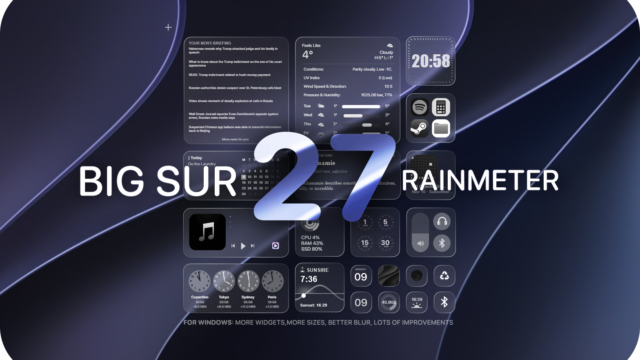
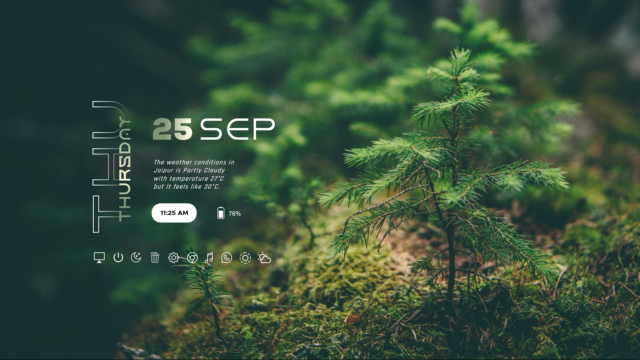
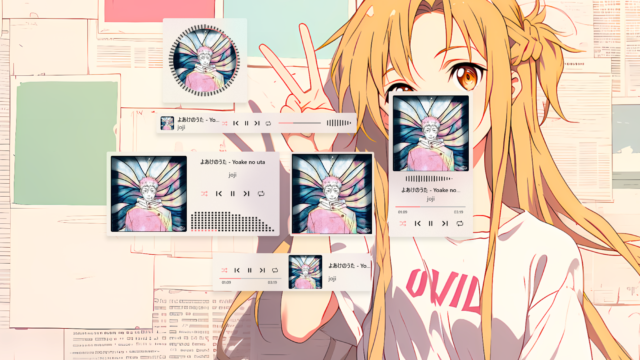
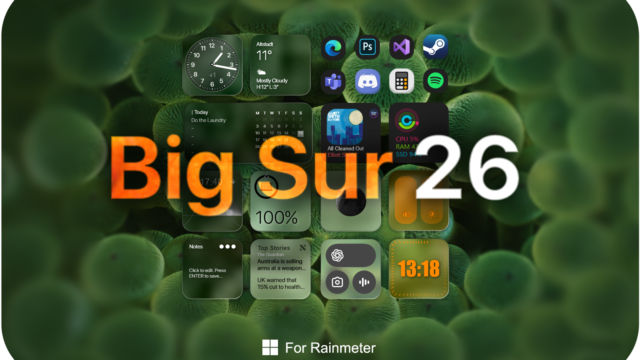
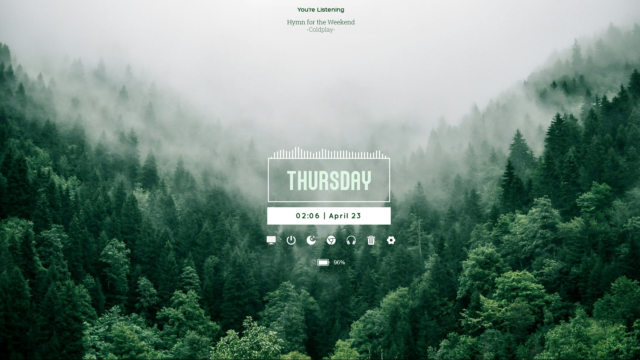
The Trigle Rainmeter Theme is a comprehensive desktop enhancement that combines style and functionality. It brings a range of features, including date, weather, visualizer, clock, and music player, all designed to enhance your desktop experience.
Trigle Rainmeter Theme – Key Features:
The Trigle Rainmeter Theme is a comprehensive desktop enhancement that combines style and functionality. It features date, weather, a visualizer, clock, and music player, ensuring that you have all the tools you need at your fingertips.
- Date Widget: Stay organized and informed with a dedicated date widget. It provides you with the current date at a glance, helping you manage your schedule.
- Weather Information: Keep an eye on the weather conditions with real-time weather updates. This feature ensures that you’re prepared for any changes in the weather.
- Visualizer: Elevate your desktop with an audio visualizer that responds to your music or sounds. It adds a dynamic and engaging visual element to your desktop.
- Clock Widget: Stay punctual with a customizable clock widget. It allows you to check the time in style and matches your desktop’s aesthetics.
- Music Player Integration: Control your music playback directly from your desktop with the integrated music player. It offers a streamlined way to manage your audio content.
Download and install this theme to create a more efficient and visually pleasing desktop experience.
How to Install Trigle Rainmeter Theme in Rainmeter
- Install Rainmeter: Ensure you have Rainmeter (4.5 or newer) installed from the official website (rainmeter.net).
- Download the Skin Package: Click the "Download Skin" button on this page to save the skin file (.rmskin or .zip archive) to your computer.
- Load the Skin: Double-click the downloaded .rmskin file and click "Install" in the Rainmeter Skin Installer prompt (if it is a .zip/.rar archive, extract the folder into Documents\Rainmeter\Skins and click "Refresh all" in the Rainmeter Manager).
- Customize Your Desktop: Right-click any active widget on your desktop to adjust scale, transparency, coordinates, or skin variables to match your wallpaper.
V
Developer / Author
View on DeviantArt ↗ vinithkumar
vinithkumar is the creator and designer behind Trigle Rainmeter Theme.