Anya Cursor for Windows

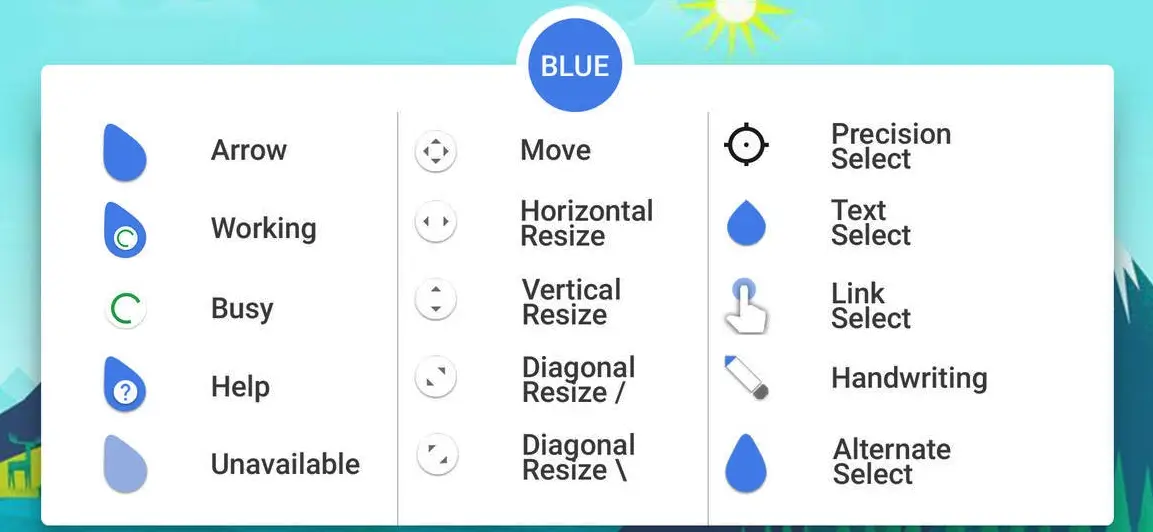
If you are an anime lover, you will fall in love with this cute Anya cursor. This cursor is animated as it shows different animations with different tasks, as shown in the gif below.
About Anya Cursor
This cursor is made by a user named omerAWG on DeviantArt it is free to download and use.
Download Anya Cursor
- Click the download button below
- Download the skin and make your own!
How to Install Anya Cursor for Windows on Windows 10 / 11
- Install Rainmeter: Ensure you have the latest version of Rainmeter installed from the official website (rainmeter.net).
- Download the Skin Package: Click the "Download Skin" button on this page to save the skin package (.rmskin or .zip archive) to your computer.
- Load the Skin: Double-click the downloaded .rmskin file and click "Install" in the Rainmeter Skin Installer window (if it is a .zip/.rar archive, extract the folder into Documents\Rainmeter\Skins and click "Refresh all" in the Rainmeter Manager).
- Customize Your Desktop: Right-click any active widget on your desktop to adjust scale, transparency, coordinates, or skin variables to match your wallpaper.