Elements cursor for Windows

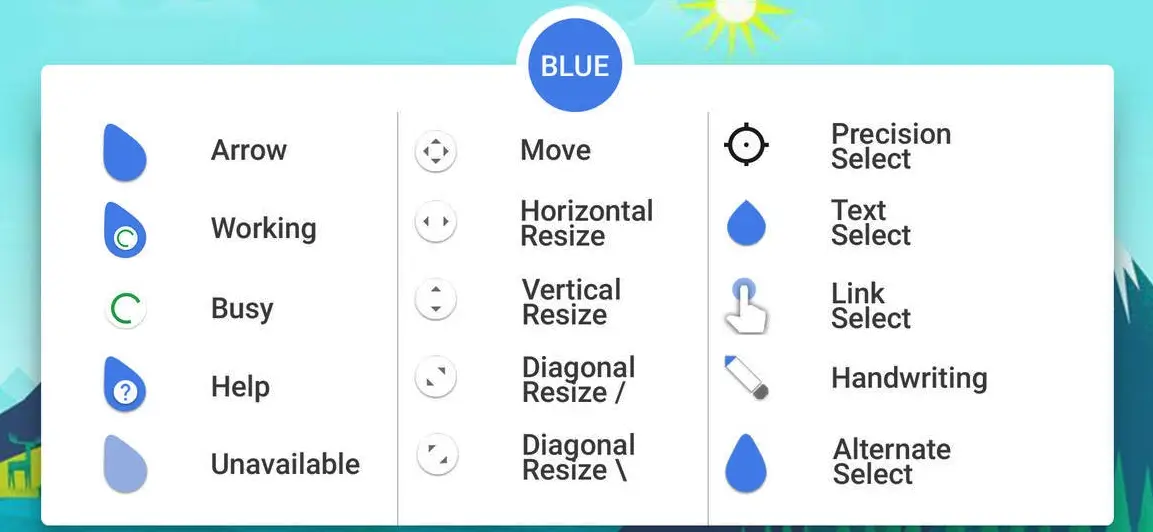
Elements cursor is one of the best and latest animated cursors released in 2022. This cursor has 4 variants that are: Fire, Water, Purple, and Green all the variants of this cursor are minimalistic and aesthetic.
About Elements Cursor
This cursor is made by SkyeO84 a DeviantArt user. You can choose any variant according to your liking…
Download Elements Cursor
- Click the download button below
- Download the skin and make your own!
Note: All the variants of the skin are inside the file.
How to Install Elements cursor for Windows on Windows 10 / 11
- Install Rainmeter: Ensure you have the latest version of Rainmeter installed from the official website (rainmeter.net).
- Download the Skin Package: Click the "Download Skin" button on this page to save the skin package (.rmskin or .zip archive) to your computer.
- Load the Skin: Double-click the downloaded .rmskin file and click "Install" in the Rainmeter Skin Installer window (if it is a .zip/.rar archive, extract the folder into Documents\Rainmeter\Skins and click "Refresh all" in the Rainmeter Manager).
- Customize Your Desktop: Right-click any active widget on your desktop to adjust scale, transparency, coordinates, or skin variables to match your wallpaper.