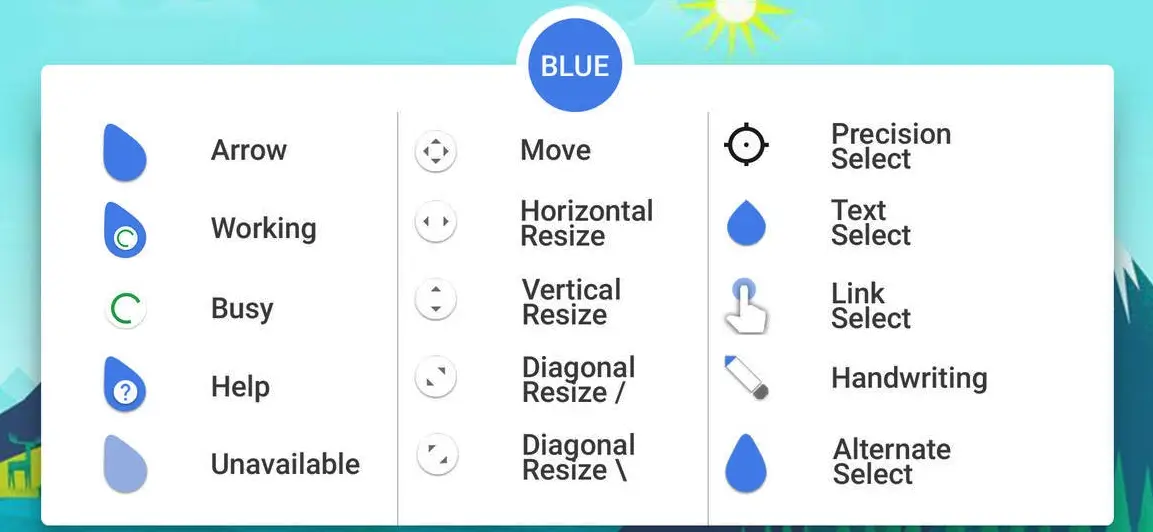
Crystal Clear cursor For Windows

Crystal Clear is a mouse cursor theme with a transparent, crystal-like appearance that was created by Everaldo Coelho. It’s a popular choice for customizing the look of the mouse cursor on Windows, Mac, and other operating systems.
To install it on your Windows computer, download the cursor and follow the same installation steps as for any other custom cursor theme.
How to Install Crystal Clear cursor For Windows on Windows 10 / 11
- Install Rainmeter: Ensure you have the latest version of Rainmeter installed from the official website (rainmeter.net).
- Download the Skin Package: Click the "Download Skin" button on this page to save the skin package (.rmskin or .zip archive) to your computer.
- Load the Skin: Double-click the downloaded .rmskin file and click "Install" in the Rainmeter Skin Installer window (if it is a .zip/.rar archive, extract the folder into Documents\Rainmeter\Skins and click "Refresh all" in the Rainmeter Manager).
- Customize Your Desktop: Right-click any active widget on your desktop to adjust scale, transparency, coordinates, or skin variables to match your wallpaper.