Big Sur 26 Rainmeter Skin
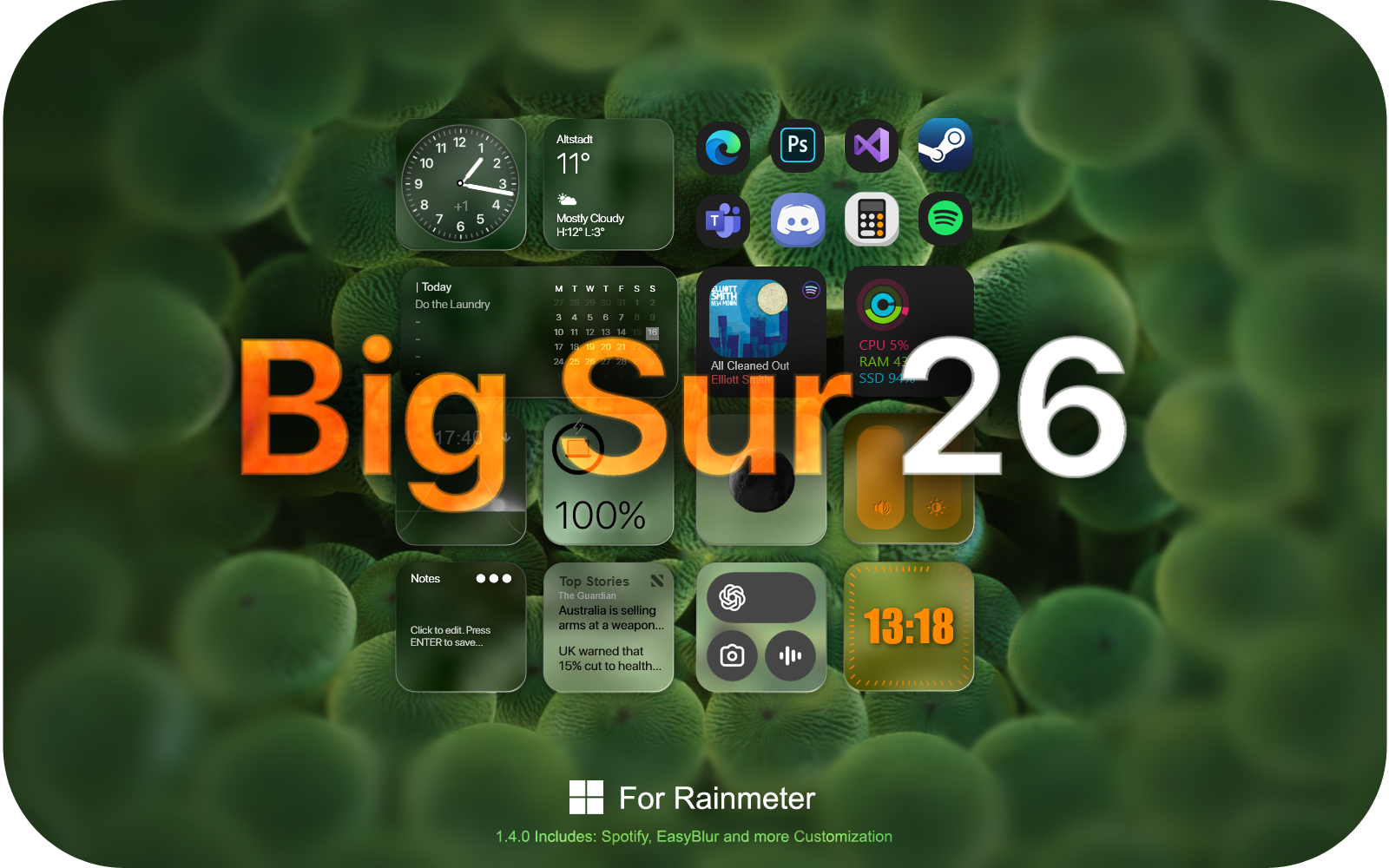
Experience macOS Aesthetics on Windows
If you love the polished look of Apple operating systems but prefer the versatility of Windows, the Big Sur 26 Rainmeter Skin by fediafedia is the ultimate customization choice. Bringing the iconic macOS Big Sur design language directly to your workspace, this skin completely transforms your ordinary background into a clean, modern masterpiece. Whether you are running Windows 10 or updating your setup with windows 11 rainmeter skin widgets, this release delivers stunning visual clarity and seamless integration.
Elevate Your Setup with Rainmeter Desktop Widgets
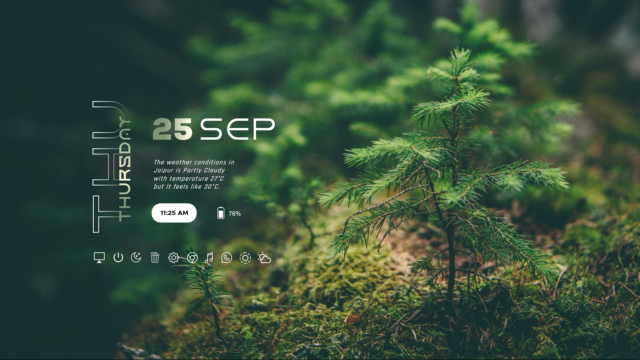
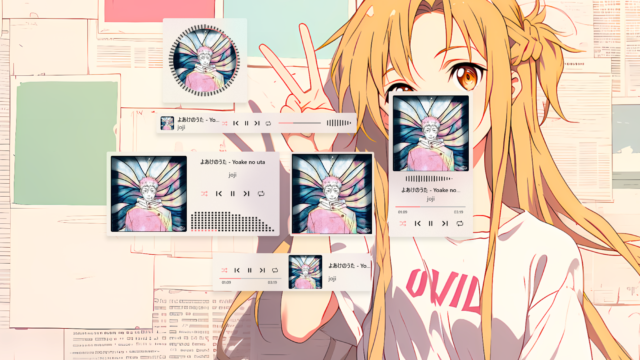
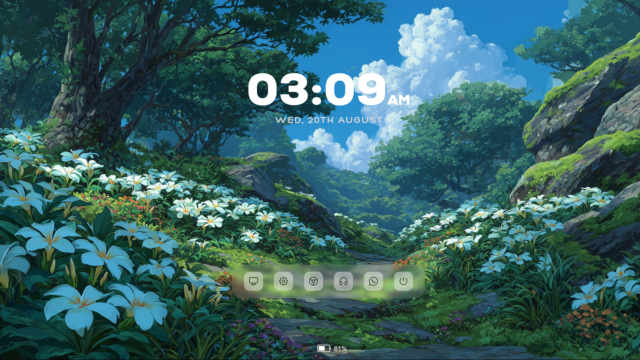
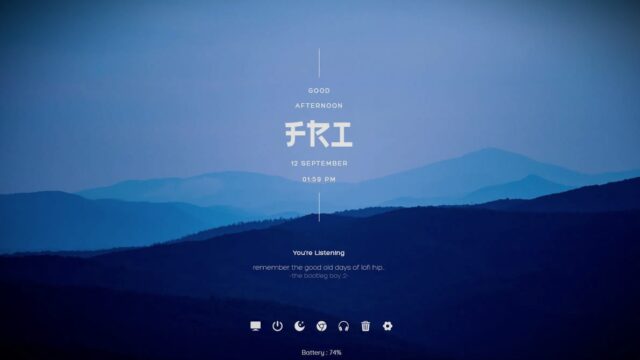
Desktop customization goes beyond simple wallpapers, and this suite shines by offering a carefully curated set of rainmeter desktop widgets. Designed to be lightweight and responsive, these elements allow you to monitor your system performance, check live weather conditions, and keep track of time without cluttering your workspace. Every single module maintains the signature frosted glass aesthetic and smooth typography that made the original macOS design so popular worldwide.
Optimized Performance and Seamless Integration
Crafted with precision by fediafedia, version 1.4.0 ensures efficient resource consumption so your system stays fast and responsive while running extensive animations or live modules. The installation process is straightforward via the standard RMSKIN format, making it easy for both beginners and veteran customizers to apply the theme within seconds. Pair it with a high-resolution macOS wallpaper and matching icons to complete your desktop makeover today.
Big Sur 26 Rainmeter Skin — Features & Highlights
- macOS Big Sur Interface: Brings the sophisticated, modern look and feel of Apple's operating system directly to your Windows desktop.
- Customizable Desktop Clock: Features crisp typography and elegant timekeeping modules that fit seamlessly into any minimalist or aesthetic setup.
- System Monitoring Widgets: Keep a close eye on your hardware resources, including CPU, RAM, and storage utilization with clean visual indicators.
- Weather and Utility Modules: Provides real-time meteorological updates and convenient productivity shortcuts right on your main screen.
- Lightweight Resource Usage: Engineered to deliver stunning visual enhancements without dragging down your PC performance or draining memory.
How to Install Big Sur 26 Rainmeter Skin in Rainmeter
- Install Rainmeter: Ensure you have Rainmeter (4.5 or newer) installed from the official website (rainmeter.net).
- Download the Skin Package: Click the "Download Skin" button on this page to save the skin file (.rmskin or .zip archive) to your computer.
- Load the Skin: Double-click the downloaded .rmskin file and click "Install" in the Rainmeter Skin Installer prompt (if it is a .zip/.rar archive, extract the folder into Documents\Rainmeter\Skins and click "Refresh all" in the Rainmeter Manager).
- Customize Your Desktop: Right-click any active widget on your desktop to adjust scale, transparency, coordinates, or skin variables to match your wallpaper.
fediafedia
fediafedia is the creator and designer behind Big Sur 26 Rainmeter Skin.