Floral Rainmeter Skin
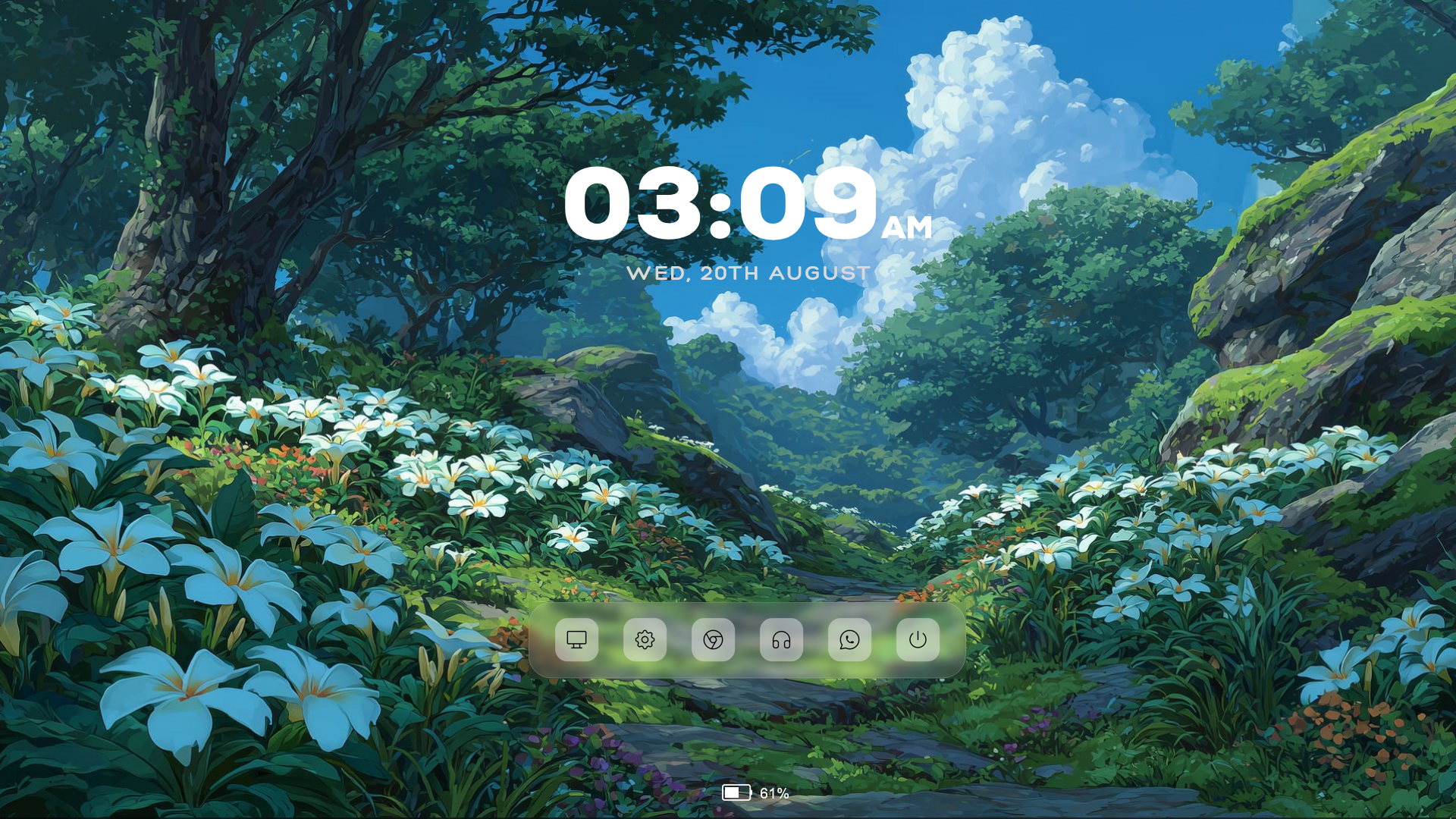
Give your Windows desktop a fresh and peaceful appearance with Floral Rainmeter Skin, a minimalist desktop customization pack that combines beautiful nature-inspired visuals with useful desktop widgets. Designed by aohiocawhda, this Rainmeter setup features a scenic floral landscape wallpaper, an elegant digital clock, a translucent application dock, and a compact battery indicator.
Floral is a great choice if you enjoy clean desktop layouts with a touch of nature. Instead of filling your screen with unnecessary widgets, it keeps things simple while providing quick access to essential information and frequently used applications.
About the Floral Rainmeter Skin
Floral is a complete Rainmeter desktop setup designed around a beautiful nature-themed aesthetic. Its included wallpaper features a lush green landscape filled with white flowers, surrounded by trees, mountains, and a bright blue sky.
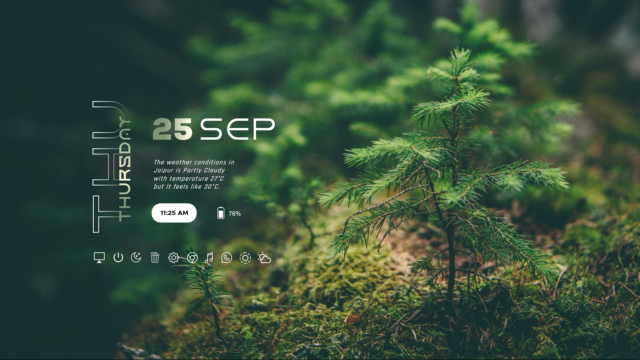
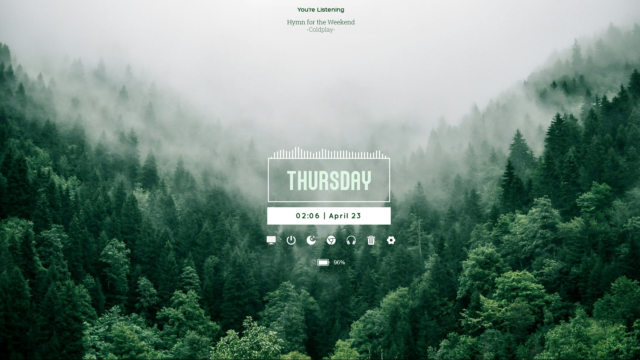
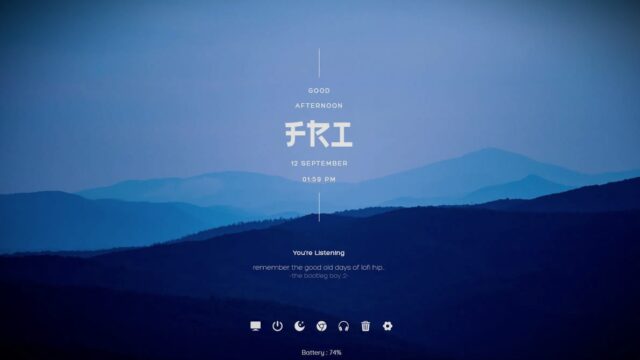
The visual elements complement the wallpaper with a clean and minimal appearance. The clock displays the current time and date, while the bottom-style dock provides shortcuts to commonly used applications and Windows functions. There is also a small battery monitor that displays the remaining battery percentage.
The skin includes three main Rainmeter components: Clock, Dock, and Battery. These can be managed independently through the Rainmeter application, allowing you to position and customize them according to your preferences.
Floral Rainmeter Skin — Features & Highlights
1. Minimalist Digital Clock
The Floral clock widget displays the current time in a large, elegant font, accompanied by the day and date underneath. It uses the Nexa font for the time and Hero Bold for the date, creating a clean typographic appearance.
The clock supports both 12-hour and 24-hour formats, which can be changed through the included configuration variables. You can also adjust its scale and text colors to suit your desktop.
2. Translucent Application Dock
The included dock features a rounded rectangular design with a subtle translucent background and FrostedGlass blur effect.
It comes with configured shortcuts:
- This PC
- Windows Settings
- Google Chrome
- YouTube Music
The dock also includes hover effects that slightly change the icon transparency when you move your mouse over an application. Its scale, icon paths, and application shortcuts can be customized through the Variables.inc file.
3. Battery Percentage Monitor
Floral also includes a compact battery indicator that displays your laptop's current battery percentage.
It uses Rainmeter's PowerPlugin to retrieve battery information and displays the percentage alongside a small battery graphic and progress bar. This makes it easy to check your remaining battery without opening Windows settings, functioning as an intuitive power option widget.
4. Customizable Appearance
The skin includes a shared Variables.inc configuration file that allows you to adjust several visual settings without manually editing every widget.
Available customization options include:
- Clock scale and time format.
- Clock text colors.
- Dock size and scaling.
- Dock application shortcuts.
- Battery indicator color and appearance.
The package also includes several font files including Nexa, Hero Bold, Amira, Hero Light, Hero, and Regelon, along with image assets and weather icon resources.
5. Included Nature Wallpaper
The Floral package comes with a scenic landscape wallpaper featuring white flowers, lush greenery, and a beautiful blue sky.
The wallpaper complements the Rainmeter widgets and helps create a relaxing desktop environment. You can use it alongside the included widgets or combine it with other Windows customization tools.
Frequently Asked Questions — Floral Rainmeter Skin
What widgets are included in the Floral Rainmeter Skin?
Floral includes a minimalist digital clock and date widget, a translucent application dock with frosted-glass blur, and a battery percentage monitor using Rainmeter's PowerPlugin.
How do I customize the clock format and dock shortcuts?
You can easily customize settings by editing the Variables.inc file located in your DocumentsRainmeterSkinsFloral@Resources directory, where you can change 12h/24h time formats, colors, and shortcut paths.
Is Floral compatible with Windows 10 and Windows 11?
Yes, Floral requires Rainmeter version 4.5.23.3836 or higher and is fully compatible with both Windows 10 and Windows 11 desktops.
Are custom fonts and wallpapers bundled with the skin?
Yes, the RMSKIN package includes multiple fonts like Nexa and Hero Bold, weather icon assets, and a high-resolution nature wallpaper.
How to Install Floral Rainmeter Skin in Rainmeter
- Install Rainmeter: Ensure you have Rainmeter (4.5 or newer) installed from the official website (rainmeter.net).
- Download the Skin Package: Click the "Download Skin" button on this page to save the skin file (.rmskin or .zip archive) to your computer.
- Load the Skin: Double-click the downloaded .rmskin file and click "Install" in the Rainmeter Skin Installer prompt (if it is a .zip/.rar archive, extract the folder into Documents\Rainmeter\Skins and click "Refresh all" in the Rainmeter Manager).
- Customize Your Desktop: Right-click any active widget on your desktop to adjust scale, transparency, coordinates, or skin variables to match your wallpaper.
aohiocawhda
aohiocawhda is the creator and designer behind Floral Rainmeter Skin.