Sylva Rainmeter Skin
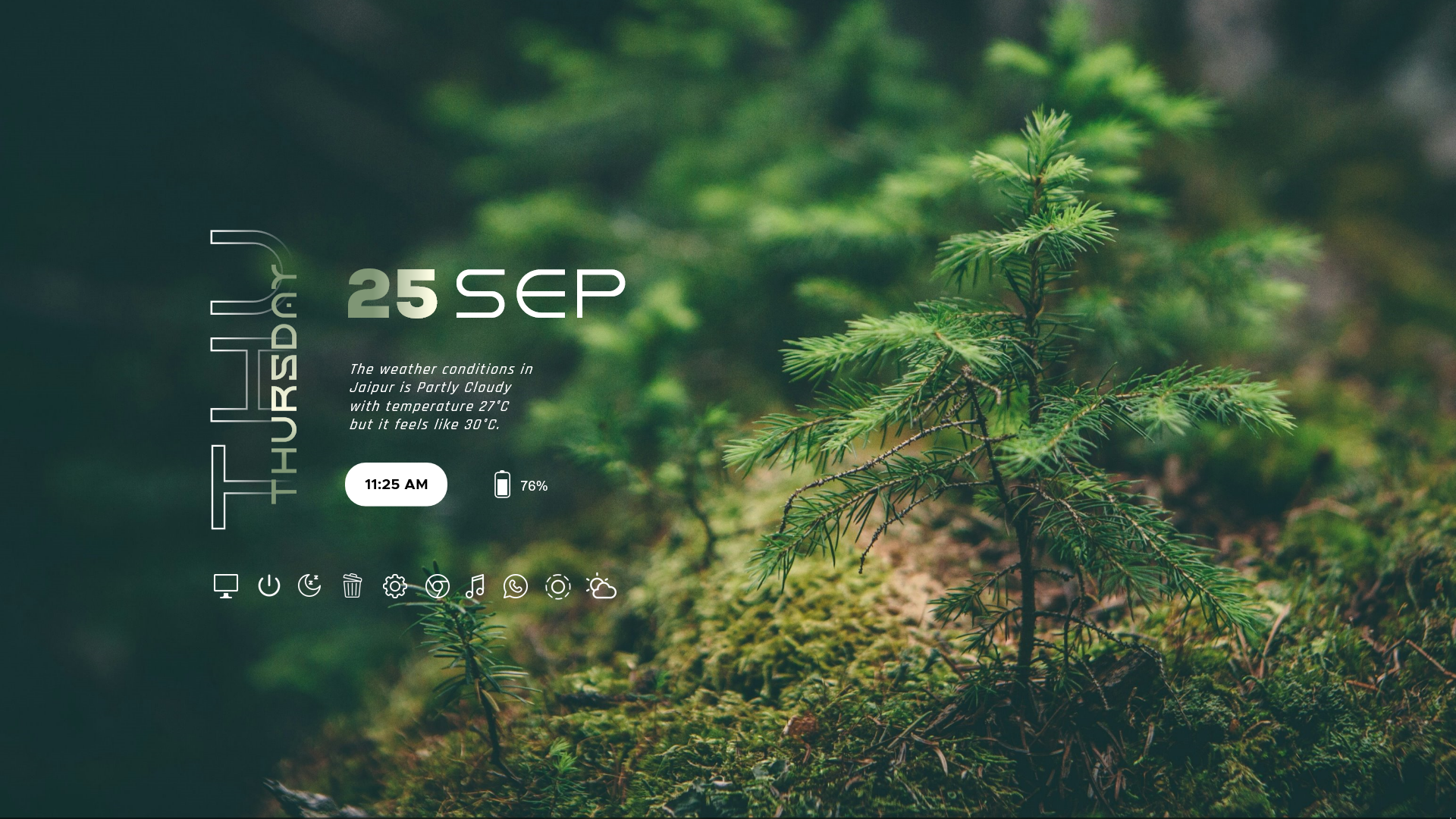
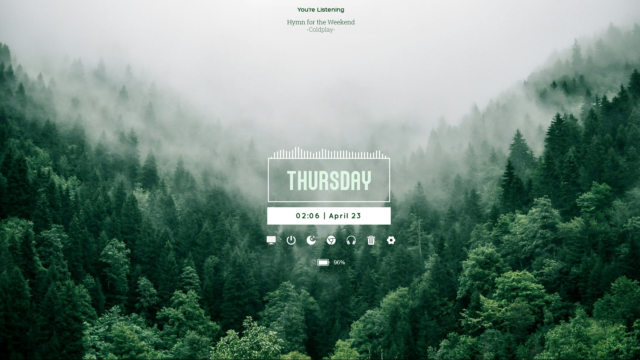
Give your Windows desktop a refreshing and tranquil aesthetic with the Sylva Rainmeter Skin, a refined customization pack that pairs earthy nature-inspired visuals with functional desktop widgets. Designed by aohiocawhda, this setup features a peaceful forest landscape wallpaper, a vertical typography clock, a live weather forecast module, and a clean application dock.
Sylva is an exceptional choice if you prefer clean, uncluttered desktop layouts while keeping essential tools and information readily accessible. Instead of overwhelming your display with complex monitors, it balances natural beauty with everyday utility, making your workspace both calming and productive.
About the Sylva Rainmeter Skin
Sylva is a comprehensive desktop customization package built around a soothing forest theme. The bundled background showcases a serene woodland scene with young evergreen trees and soft moss, establishing a peaceful ambiance right on your screen.
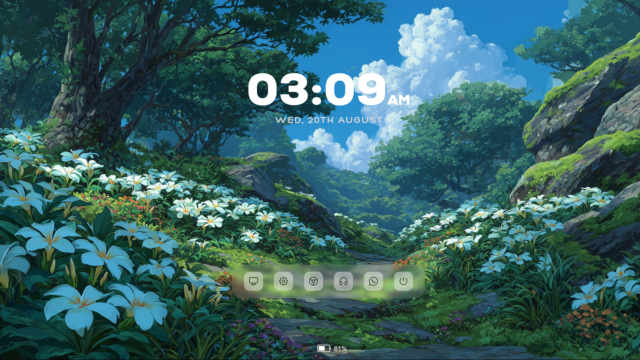
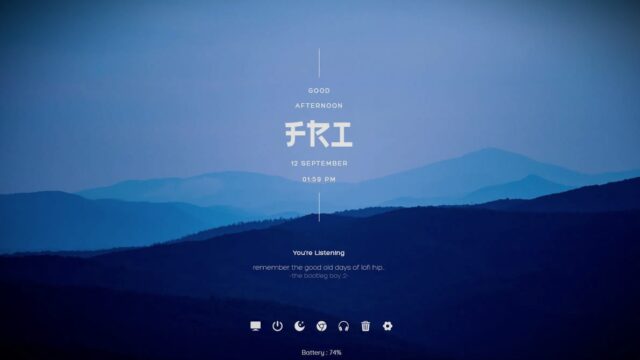
The interface elements complement the wallpaper with sharp, modern typography and minimalist layout design. The prominent vertical clock and date display sit cleanly alongside real-time weather summaries, while the integrated application dock provides quick shortcuts to frequently used programs and system controls.
The skin includes three main Rainmeter components: Clock, Dock and Battery. These can be managed independently through the Rainmeter application, allowing you to position and customize them according to your preferences.
Sylva Rainmeter Skin — Features & Highlights
1. Minimalist Digital Clock & Date Widget
The Sylva clock component features a striking vertical layout that displays the day of the week alongside the current date and time. It incorporates multiple font options such as Nexa, Horizon, and Metropolis Bold to create a distinct typographic hierarchy.
The rainmeter clock and date widgets support 12-hour and 24-hour formats through the configuration files, allowing you to tailor the time display to your personal preference. You can also fine-tune scaling and color schemes to match your chosen background.
2. Weather Forecast & Temperature Module
Integrated directly into the interface, the weather component pulls live meteorological data using customized location settings.
The rainmeter weather forecast widgets and rainmeter temperature widget provide up-to-date conditions, including current temperatures, high-low metrics, and feel-like readings in Celsius or Fahrenheit. Location coordinates and update frequencies are easily adjustable via WVariables.inc.
3. Translucent Application Dock & Launcher
The included application dock acts as a streamlined launcher for your most essential programs and system tools, featuring smooth interactive mouse hover effects.
It comes pre-configured with shortcut links including:
- This PC
- Windows Settings
- Google Chrome
- YouTube Music
- Recycle Bin
- Sleep / Lock
Using the rainmeter power option widgets and rainmeter shutdown restart widget shortcuts, you can quickly execute system actions directly from your desktop interface.
4. Battery Percentage Monitor
For laptop users, Sylva includes a dedicated battery indicator powered by Rainmeter's built-in PowerPlugin.
The rainmeter system monitor widgets and rainmeter cpu ram usage widget utilities ensure you can monitor remaining battery levels and charging status instantly without digging into Windows menus.
5. Customizable Appearance
The skin relies on shared configuration files such as Variables.inc and WVariables.inc to control global visual parameters.
Available customization options include:
- Widget scaling and layout sizing.
- Clock time format and text color palettes.
- Custom application launcher paths and icons.
- Weather location coordinates and temperature units.
- Typography family selection.
The package also bundles custom fonts like Horizon, Nexa, and Roboto Slab Light alongside custom weather icon sets.
6. Included Forest Wallpaper
Sylva comes bundled with a high-resolution woodland photography wallpaper featuring young pine trees and lush green moss.
The background image is optimized to complement the semi-transparent widgets, creating a cohesive and immersive desktop customization experience straight out of the box.
Frequently Asked Questions — Sylva Rainmeter Skin
What widgets are included in the Sylva Rainmeter Skin?
Sylva includes a minimalist vertical clock and date display, a live weather forecast module, a translucent application dock, and a laptop battery percentage monitor.
How can I change the weather location and temperature units?
You can update your location coordinates, API key, and temperature units (Celsius or Fahrenheit) by editing the WVariables.inc file located in the @Resources folder.
Can I customize dock shortcuts and time formats?
Yes. The shared Variables.inc configuration file lets you modify 12h/24h time formats, color palettes, scale sizes, and custom application paths for the dock.
Is Sylva compatible with Windows 10 and Windows 11?
Yes, Sylva is fully compatible with Windows 10 and Windows 11 when running the latest stable version of Rainmeter (4.5 or newer).
Does the skin include custom fonts and a wallpaper?
Yes, the package bundles several typefaces including Nexa and Horizon, along with a high-resolution forest landscape background.
How to Install Sylva Rainmeter Skin in Rainmeter
- Install Rainmeter: Ensure you have Rainmeter (4.5 or newer) installed from the official website (rainmeter.net).
- Download the Skin Package: Click the "Download Skin" button on this page to save the skin file (.rmskin or .zip archive) to your computer.
- Load the Skin: Double-click the downloaded .rmskin file and click "Install" in the Rainmeter Skin Installer prompt (if it is a .zip/.rar archive, extract the folder into Documents\Rainmeter\Skins and click "Refresh all" in the Rainmeter Manager).
- Customize Your Desktop: Right-click any active widget on your desktop to adjust scale, transparency, coordinates, or skin variables to match your wallpaper.
aohiocawhda
aohiocawhda is the creator and designer behind Sylva Rainmeter Skin.