BigSurRainmeter
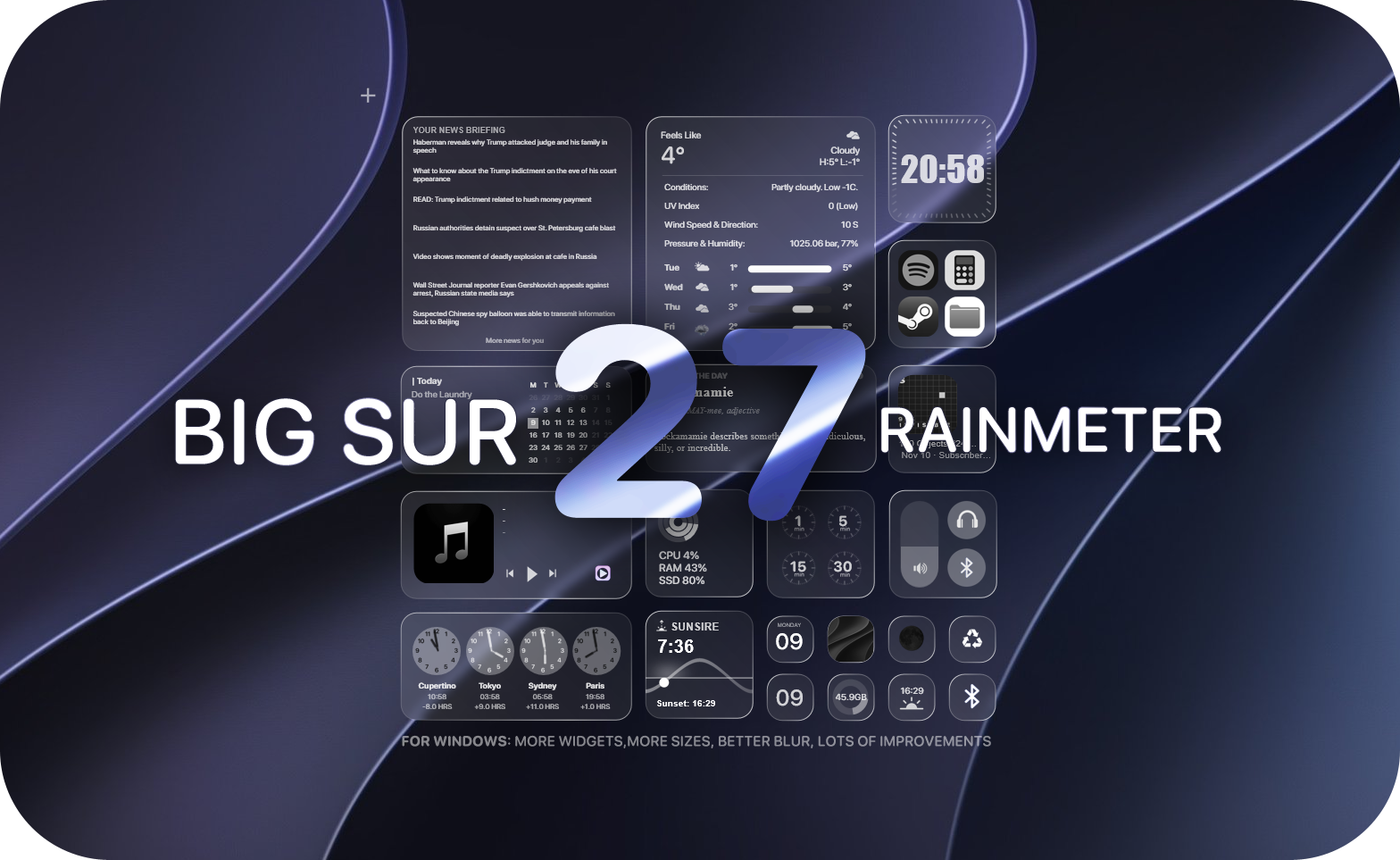
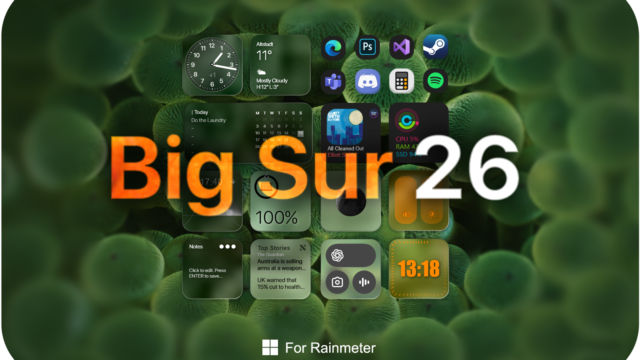
Transform your Windows environment into a sleek, functional operating system interface with BigSurRainmeter Rainmeter Skin, a comprehensive desktop customization pack inspired by the refined aesthetic of Apple’s macOS. Designed by fediaFedia, this Rainmeter setup features elegant rounded widget tiles, gorgeous macOS-style wallpapers, native FrostedGlass blur integration, and fully independent modules that let you configure your workspace precisely to your liking.
BigSurRainmeter is an exceptional choice if you want to elevate your desktop workflow without sacrificing system resources. It offers a clutter-free environment that balances visual elegance with practical utility, ensuring your rainmeter clock and date widgets, rainmeter weather forecast widgets, and rainmeter system monitor widgets remain easily glanceable while maintaining an uncluttered aesthetic across Windows 10 and Windows 11.
About the BigSurRainmeter Rainmeter Skin
BigSurRainmeter delivers a polished desktop transformation by recreating the iconic Big Sur aesthetic directly on Windows. The suite centers around a cohesive collection of rounded rectangular cards that display live information, shortcuts, media playback, and system telemetry with crisp typography powered by the bundled SF Pro Rounded font family.
The visual elements harmonize effortlessly with the included macOS-inspired wallpapers and gorgeous custom desktop backgrounds. Whether you need an accurate rainmeter time widget, a live rainmeter temperature widget, or a dedicated rainmeter cpu ram usage widget, every component is crafted with attention to transparency, corner radius, and drop-shadow details that mimic native Apple interface design.
The skin includes modular Rainmeter components divided into Regular, Large, Mini, and Huge sizes, alongside an interactive Gallery setup. These modules can be managed independently through the Rainmeter application, giving you complete freedom to position, scale, and customize them according to your exact screen configuration and workflow needs.
BigSurRainmeter — Features & Highlights
1. macOS-Inspired Digital & World Clocks
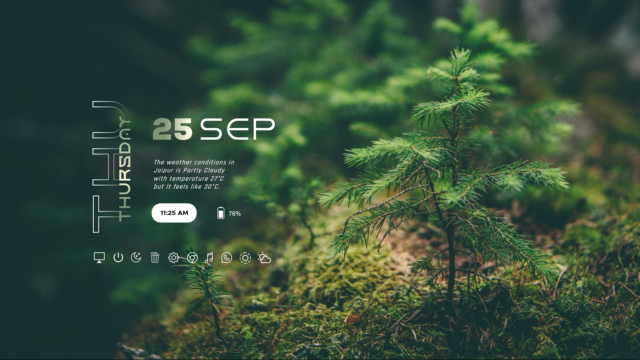
The suite features versatile rainmeter clock and date widgets available in multiple sizes. Utilizing the SF Pro Rounded font family, the rainmeter time widget supports both 12-hour and 24-hour time formats, live seconds indicators, and custom timezone offsets for major cities worldwide.
You can easily toggle between minimalist layouts and detailed calendar overlays using the included Global.inc and UserVariables.inc settings files. The typography scales dynamically with your display settings to ensure pristine clarity on high-DPI screens.
2. Application Docks & Launchers
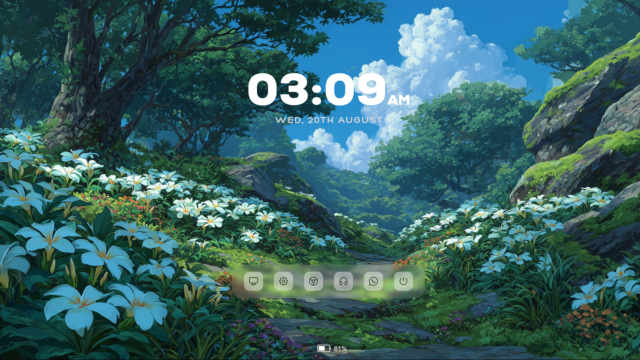
The customizable application dock brings native macOS launcher functionality to your Windows desktop. It features a translucent background with FrostedGlass blur effects and interactive mouse hover transitions.
Pre-configured shortcuts include popular applications and system utilities:
- File Explorer
- Windows Settings
- Spotify
- Steam
- Photoshop
- Discord
- Google Chrome
- Recycle Bin
You can effortlessly customize icon paths, application targets, and dock scale through the skin files.
3. Advanced System Monitors
Keep track of your hardware performance with the built-in rainmeter system monitor widgets. These components provide real-time telemetry for your machine without dragging down performance.
Highlighted hardware tracking tools include:
- rainmeter cpu ram usage widget for real-time percentage tracking
- Storage space monitor for your primary SSD and hard drives
- System uptime counter and Task Manager shortcuts
- Advanced sensor integration via Plugin architecture
4. Live Weather & Forecast Feeds
The rainmeter weather forecast widgets utilize WebParser and Weather.com JSON APIs to deliver accurate meteorological data directly to your desktop. You can monitor current atmospheric conditions at a glance.
Customization options for weather components include:
- rainmeter temperature widget with automatic Celsius and Fahrenheit toggles
- Location code configuration via latitude and longitude coordinates
- Dynamic weather icon sets matching current day and night conditions
- Preload hiding and automated update intervals
5. Power Options & System Controls
Manage your computer's power states instantly with the integrated rainmeter power option widgets. These components offer quick access to essential system actions directly from your desktop interface.
Convenient control features include:
- rainmeter shutdown restart widget for fast system management
- Dedicated sleep and hibernation triggers
- Audio volume sliders and Bluetooth toggle controls
- Brightness adjustment sliders for laptop displays
6. Customizable Appearance & Variables
The skin includes a shared Global.inc configuration file alongside multi-language support files (English, French, German, Spanish, Russian, Japanese, Korean, and Hindi) that let you adjust visual settings globally.
Key adjustable parameters include:
- Widget scaling and individual DPI multipliers
- Text, accent, and indicator color palettes
- 12-hour and 24-hour clock formats
- FrostedGlass blur radius, corner radius, and opacity levels
7. Included macOS Wallpapers
BigSurRainmeter ships with a curated collection of high-resolution wallpapers, including Garden.jpg and official macOS-inspired desktop backgrounds (Wall0.jpg through Wall5.jpg).
These bundled backgrounds complement the rounded widget containers and frosted blur effects, helping you create a unified, distraction-free desktop environment right out of the box.
Frequently Asked Questions — BigSurRainmeter
What widgets are included in the BigSurRainmeter Rainmeter Skin?
BigSurRainmeter includes a vast collection of macOS-inspired widgets across Mini, Regular, Large, and Huge sizes, featuring rainmeter clock and date widgets, rainmeter weather forecast widgets, rainmeter system monitor widgets, application docks, media players, and rainmeter power option widgets.
How do I change between 12-hour and 24-hour time formats?
You can toggle between 12-hour and 24-hour formats by editing the UserVariables.inc file located within the specific widget's folder or via the global configuration settings.
Can I customize the application dock shortcuts?
Yes. The dock and launcher modules allow you to easily modify application paths, custom icons, and shortcut labels by updating the respective UserVariables.inc configuration files.
Is BigSurRainmeter compatible with Windows 10 and Windows 11?
Yes, BigSurRainmeter is fully compatible with both Windows 10 and Windows 11, utilizing the modern FrostedGlass plugin for native blur effects and rounded corners.
Does the skin include wallpapers and custom fonts?
Yes, the package bundles high-resolution macOS-style wallpapers (Garden.jpg, Wall0.jpg through Wall5.jpg) and the SF Pro Rounded font family for authentic typography.
How to Install BigSurRainmeter in Rainmeter
- Install Rainmeter: Ensure you have Rainmeter (4.5 or newer) installed from the official website (rainmeter.net).
- Download the Skin Package: Click the "Download Skin" button on this page to save the skin file (.rmskin or .zip archive) to your computer.
- Load the Skin: Double-click the downloaded .rmskin file and click "Install" in the Rainmeter Skin Installer prompt (if it is a .zip/.rar archive, extract the folder into Documents\Rainmeter\Skins and click "Refresh all" in the Rainmeter Manager).
- Customize Your Desktop: Right-click any active widget on your desktop to adjust scale, transparency, coordinates, or skin variables to match your wallpaper.
fediaFedia
fediaFedia is the creator and designer behind BigSurRainmeter.